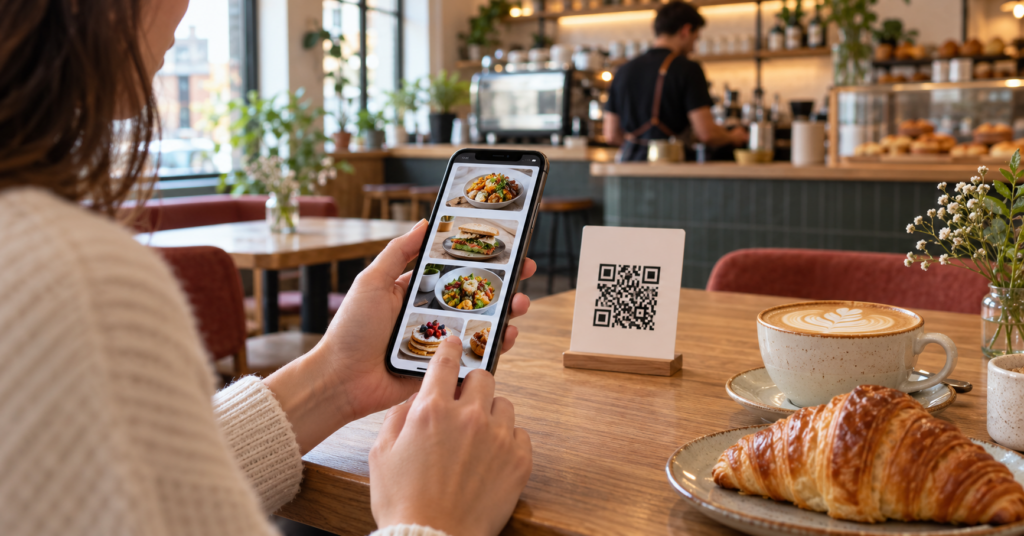
QR ordering has swiftly become a cornerstone technology in UK cafes aiming to provide seamless service while respecting customer preferences for touchless interactions. For independent cafe owners, selecting the right QR ordering system can streamline operations, enhance customer experience and boost sales — but making the right choice takes careful consideration of features, costs and integration options.
Key Takeaways:
- Identify core operational needs before comparing QR ordering platforms.
- Check menu flexibility and customer interface customisation options.
- Consider integration capabilities with your current EPOS setup.
- Evaluate support, reporting features and costs comprehensively.
- Trial solutions where possible to test real-world usability.
Why QR Ordering Matters for Independent Cafes
QR ordering systems allow customers to scan a code on their table or menu to view a digital menu and place orders directly from their smartphone. This reduces wait times, minimises contact, and can accelerate turnover — key advantages in busy cafes or those operating in post-pandemic consumer environments.
For UK independents, adopting QR ordering need not be complicated or expensive, but aligning the system to your specific service style is essential for success.
Clarify Your Cafe’s Operational Priorities
Before diving into solutions, consider questions such as:
- Do you want QR ordering for table service, counter ordering, or both?
- Is integration with an existing EPOS system essential to avoid double entry?
- Will customers order and pay at once, or order first then pay on delivery?
- Do you need multi-language support?
- How important is the ability to easily update menus and offers yourself?
Documenting these helps narrow down your options efficiently.
Menu Presentation and Customisation Capabilities
The usability of your digital menu can make or break customer adoption. A good QR platform should offer:
- Clear menu categorisation and item descriptions
- High-quality images and allergen/dietary labelling (if you choose to provide it independently)
- Custom branding to maintain your cafe’s unique feel
- Flexible item modifiers (e.g. milk type, extras) and special requests input
Check demos and screenshots closely to ensure the interface is user-friendly and reflects your branding.
Integrations: Linking QR Ordering with Your EPOS and Payment Systems
Seamless back-end integration saves time and reduces errors. Some platforms operate standalone, where orders arrive via email or app notification, requiring manual entry to your till. More advanced solutions integrate with popular EPOS systems used in UK cafes, automating order processing and stock deduction.
Visit the EPOS Integration section on RestaurantOrderingSystem.co.uk to explore which QR ordering systems offer this critical feature.
Pricing, Contracts, and Support
Be clear whether platforms charge a monthly subscription, one-off fee, or commission on orders. Some providers may require minimum contract terms or charge extra for support or updates. Calculate total cost of ownership, including any needed hardware or print materials for QR codes.
Reliable customer support is invaluable, especially during launch and peak trading times. Look for reviews or testimonials about helpdesk response times and training availability.
Illustrative Example: Selecting a QR Ordering Platform for ‘The Little Bean Cafe’
The owner of The Little Bean Cafe in York wanted a QR system that supported table ordering with integrated card payments but did not want to change their existing EPOS. After listing essential features and budget constraints, they trialed two leading platforms that allowed easy menu updates and good customer navigation. They chose the one with simpler setup and flexible payment options. The result was a reduction in order errors and faster turnaround times during busy mornings.
Getting Started with QR Ordering
Most suppliers will provide a free demo or trial period so you can test menus, order flow, and back-end integration before committing. Begin by printing QR codes to display prominently and train your staff to guide customers on usage.
Remember to keep menus updated seasonally and gather customer feedback regularly to refine your digital experience.
Conclusion: Making QR Ordering Work for Your Cafe
Choosing a QR ordering solution tailored to your independent cafe’s needs is a worthwhile investment that can improve efficiency and customer satisfaction. By clearly identifying your operational goals, assessing features critically, and testing platforms before purchase, you position your business to benefit fully from this modern ordering method.
For further guidance on optimising your cafe’s digital services, explore resources on Restaurant Ordering System.
FAQs
What types of payment can customers use with QR ordering?
Payment options vary by platform but commonly include contactless card payments, mobile wallets (such as Apple Pay and Google Pay), and sometimes integration with loyalty points. Check the system’s payment capabilities carefully to match your cafe’s setup.
Can QR ordering systems work without internet connection?
QR ordering requires internet access for customers to load the digital menu and send orders. However, some platforms may have offline modes on the staff side, storing orders until connectivity returns. Continuous Wi-Fi is recommended in your venue.
How often can I update my menu on these platforms?
Menu updates can usually be made instantly by the cafe owner or manager through an admin portal, allowing changes to pricing, items, and descriptions whenever needed without extra cost.
Do QR ordering platforms help with marketing and customer retention?
Some systems include basic marketing tools like promotions, discounts and customer data collection for loyalty schemes, but these vary. Assess these features if you want to integrate marketing within your ordering platform.